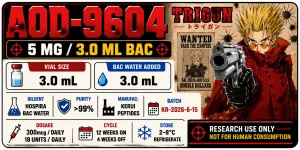
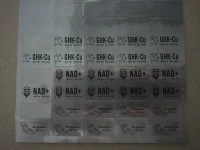
I used https://www.onlinelabels.com/ to order the sheets, and they let you use their label design software for free with purchase. So all I have to do is place the image and hit print.Do you know how I get the exact measurements for an A4 paper? Like if I want the label to be 20x15 mm.
Nice design! 👌I use the Liene PixCut S1 and create stickers to put on my Vials. Here is an example of one that I created recently.
View attachment 28711
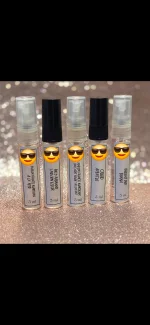
I do pretty much the same I use Mr. Label or something similar (avery) and download the template into canva especially if my sheets are already precut. Ive also gotten the full sheets specifically for laser printers and used Canva to insert text & custom size my design and just copied and pasted to fill an A4 sized sheet. Ive found laser works better since I use glossy paper for my fragrance decanting glass bottles. Even did them for my own spice jars.I used https://www.onlinelabels.com/ to order the sheets, and they let you use their label design software for free with purchase. So all I have to do is place the image and hit print.