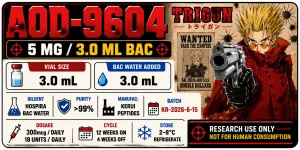
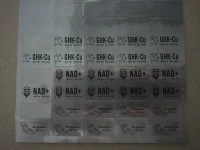
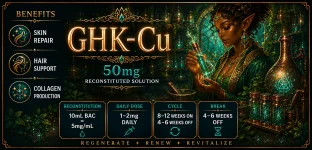
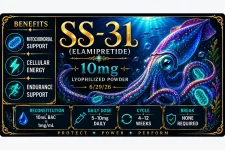
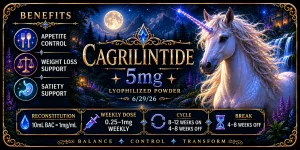
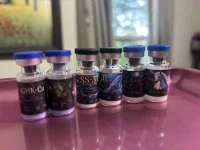
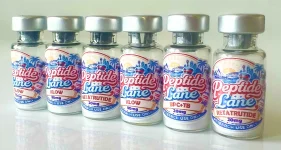
I’ve learned a few things about label design after my first trial run and wanted to share! I am printing using matte labels (Avery mailing labels for 10mL, 1”x1.75” from online labels.com for 3mL) & have an HP color laser printer & an Epson inkjet. Shown labels are my “Mythical creatures” collection for 3mL vials using my laser printer, which had much sharper results thank my inkjet.
My mistakes:
-Getting too intricate with the design: what looks great on screen may not translate to a teeny canvas
-Trying to fit too much text on the label. Labels are very small!
-Printing with a mostly dark colored background makes text harder to read
Although I still love these labels, think they’re beautiful even with my printer being streaky and see no need to change them, I need to use my magnifier app to read most of the text, and small text is blurry. I know what it says and have digital copies if I forget in a few years’ time. Next designs will be a lot different, and I’ll likely use either my much simpler graphic-based Canva designs or use much simpler Ai designs.
Digital:
View attachment 29555
View attachment 29556
View attachment 29557
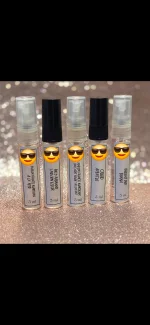
Reality:
View attachment 29558









 🌷HHB-PEPTIDEHigh-quality products🤩 excellent service and Preferential prices🎉🎉


 People trying Eloralintide, Cagrilintide etc. - what are your reasons?


